About Tetris
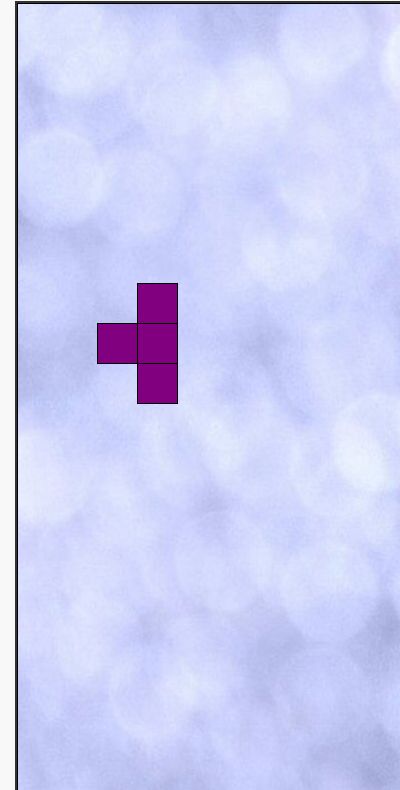
This page hosts Jake Gordon’s open-source Tetris-style falling-block game. Move and rotate the current piece to fit it into your stack. A complete horizontal row clears, opening space for more pieces. The preview shows the next shape so you can plan ahead. This is an independent browser implementation, not an official Tetris release. The version focuses on keyboard play and a straightforward score-and-rows display.
Getting started
- Press Space or click the start link to begin.
- Use Left and Right to position the piece, and Up to rotate it.
- Use Down to move it downward faster. Complete horizontal rows to clear them.
Tips for a better run
- Keep the stack relatively flat so you have places for several different shapes.
- Avoid leaving covered gaps: a hole under another piece is harder to clear later.
- Check the next-piece preview before committing to a placement.
Common questions
Is this the official Tetris game?
No. It is Jake Gordon’s independently developed, MIT-licensed browser implementation.
Does it include touch controls?
This version uses keyboard controls. Play on a device with a keyboard.
Will it work on my school network?
Access depends on your network’s rules. “Unblocked” is a common search term for browser games, not a guarantee that a school or workplace will allow this page.